
How Shopify Brands Use Giveaway Entry Actions to Collect First-Party Data (Polls, Surveys, Product Preferences)
Every giveaway asks people to do something for a chance to win. When brands spend that moment on a follow or a like-and-tag, the data stays on Instagram. Swap one of those actions for a question, and…
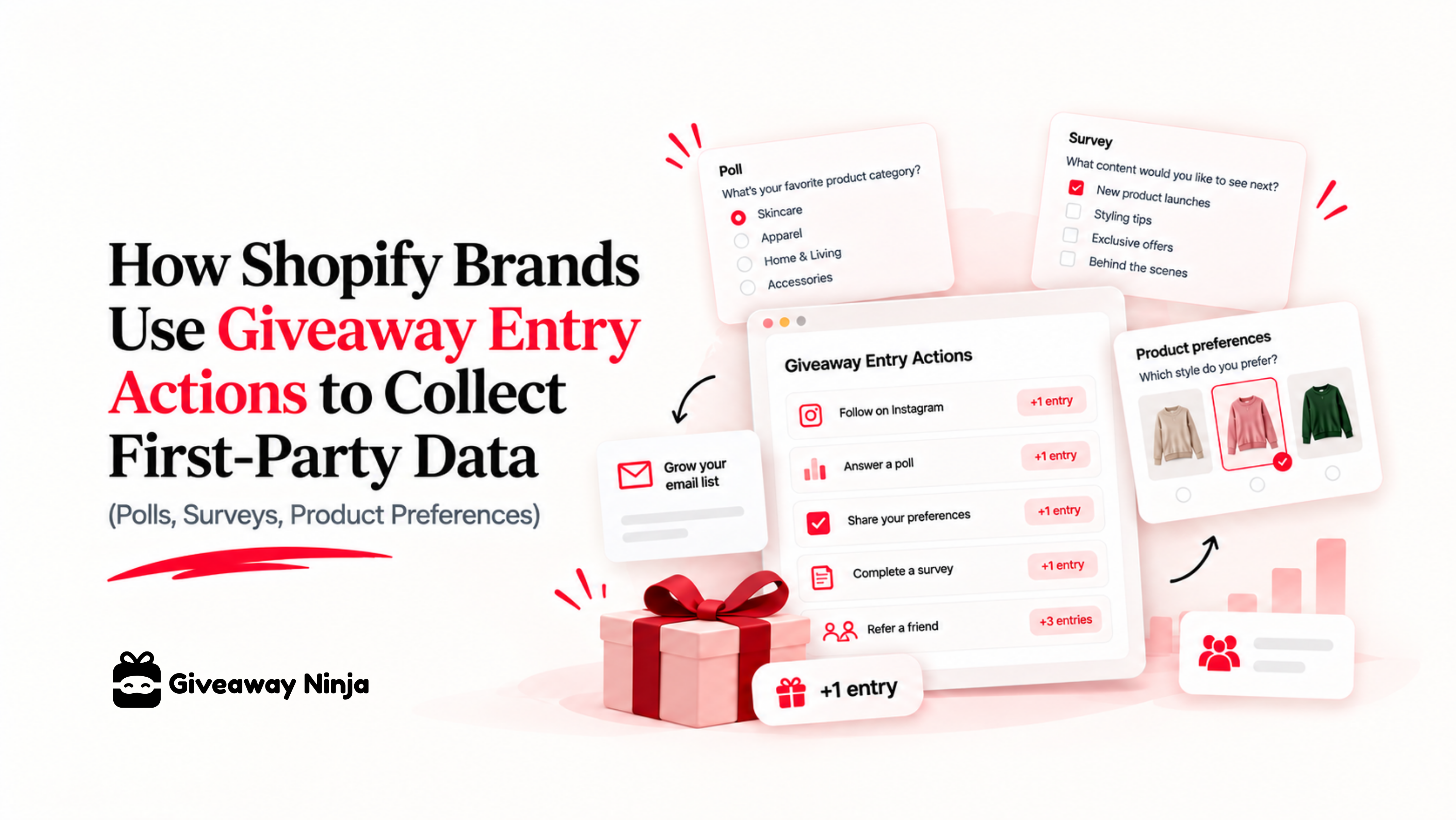
Every giveaway asks people to do something for a chance to win. When brands spend that moment on a follow or a like-and-tag, the data stays on Instagram. Swap one of those actions for a question, and every entry comes back with an email plus an answer you own.
This guide covers the three entry actions that collect first-party data in Giveaway Ninja, the questions worth asking, and how to get the answers into your email segments.
What first-party data a giveaway collects
First-party data is information customers give you directly, on your own store. In a giveaway, that's the entrant's email, their orders if they buy, and anything they tell you in an entry action. Some marketers call the self-reported part zero-party data, but the label matters less than who owns it.
A follow works differently. The platform owns that relationship and decides who sees your next post.
Preference data is the most useful layer. An email tells you who someone is. "I brew pour-over at home" tells you what to send them.
Why people answer a giveaway poll and ignore a survey
A standalone survey asks for effort and gives nothing back. A giveaway poll pays the entrant in entries, so answering has a clear reason.
Shoppers say they'll make that trade. An October 2023 Ebbo survey, reported by eMarketer, found 60% of US consumers would answer surveys or take polls to earn rewards from brands.
A giveaway sits on top of that trade. The prize is the reward, and each answered question is worth more chances to win.
The three entry actions that collect first-party data
All three live in the Boost On-site Engagement group of the giveaway editor, and all three are available on every plan.
Polls & Surveys: answers you can count
The giveaway poll and survey entry action asks a multiple-choice question and awards entries when the entrant clicks Send Answer. You choose whether people can pick one option or several, and each entrant answers once. Vote counts per option show up on the giveaway's Entries page.
Use it for anything you want to chart or segment by, such as flavor, size, skin type or brewing method.
Answer a Question: replies in the customer's own words
The open-answer giveaway question collects a typed reply. Leave the answer field empty and it accepts anything, which turns it into a feedback form. Set a correct answer and it becomes a quiz or a secret-code check instead.
Open questions surface things you'd never think to list as options. "What almost stopped you from buying?" is the classic one.
Custom action: any field you need
The custom giveaway entry action lets you describe a task in your own words and ask for a piece of proof in a text field. Brands use it to collect a Discord or Instagram username, or the link to a video an entrant made with the product. Giveaway Ninja saves what entrants type so you can review it before the draw.
Five ways to put giveaway answers to work
Segment your list by preference
A coffee brand giveaway can ask "How do you brew at home?" with espresso, pour-over, French press and pods as options. The espresso group gets the grinder launch, and the pour-over group gets the new single origin. The same logic works for skin type in beauty brand giveaways and for size in apparel.
Vote on the next product before you buy stock
Ask "Which flavor should we launch next?" with three or four candidates. You get a demand signal from opted-in customers before you commit to inventory. When the winner launches, email everyone who voted for it first.
Collectibles stores can ask which set entrants are chasing, then plan restocks around the answers. See how trading card and collectibles giveaways are set up.
Ask how they found you
"How did you hear about us?" captures sources your analytics miss, like a podcast mention or a friend's recommendation. The Klaviyo giveaway integration already passes UTM source, medium and campaign for every entrant. Put the self-reported answer next to the tracked one and you'll see where they disagree.
Send offers at the right time
A birthday-month poll takes one click and gives you a send date for every entrant. It needs twelve options, so it's the one poll where a longer list makes sense. Pair it with a birthday discount flow and the answer keeps earning long after the draw.
Pick prizes your buyers want
Ask "Which prize would you most like to win?" before you plan the next campaign. Prize choice decides who enters, so this question shapes the quality of your next list.
Coffee Bros. gives away the same espresso machines it sells, which draws coffee buyers and filters out freebie hunters. Read the espresso machine giveaway case study to see how they run it every month.
Connect answers to what entrants spend
This is where a Shopify-native giveaway beats a form tool. The POLLS & QUESTIONS CSV gives one row per entrant with their email, total entries, referrals and total sale value from the giveaway. Every poll, question and custom action gets its own column next to that.
So you can see which answers come from the people who buy and share the most. If your highest spenders mostly picked pour-over, you know what your next bundle should be. Run purchase-based giveaway entries alongside your polls and preference and purchase land in the same row.
How to ask without hurting your entry rate
Every extra question adds friction. Keep each poll to three to six options, one question per action, and two or three polls per giveaway at most.
Make a question Mandatory only when the answer is the main goal of the campaign. Otherwise leave it optional and give it enough entries to compete with a share or refer-a-friend giveaway entries.
Order works in your favor. Entrants submit their email first and then see the actions, so the poll reaches people who have already committed to entering.
Placement matters as much as the questions. Our guide to building a Shopify giveaway landing page that converts covers layout, copy and the entry form.
Keep the data collection compliant
Tell entrants how you'll use their answers, in both your privacy policy and your official rules. The free official giveaway rules generator drafts the rules in about a minute.
Keep a free way in. Every new Giveaway Ninja giveaway includes a free sign-up bonus entry by default, so nobody has to buy to enter.
Move the answers into Klaviyo of Giveaway Ninja
The Klaviyo integration adds every entrant's email to a list, with merge fields for UTM source, country, device and referrer. Poll and question answers come out through the POLLS & QUESTIONS CSV. Import that file into Klaviyo matched on email, then build one segment per answer.
From there, each segment gets its own flow. The espresso voters get the grinder launch, and the birthday-month groups get their discount on time.
Ask one question in your next giveaway
Your next giveaway will collect emails either way. Add one well-chosen question and it also tells you what to send each of them.
Still choosing tools? Our guide to the best Shopify giveaway app covers what to look for, and the Shopify giveaway playbook walks through full campaign setups. To see entry actions on a live store, book a demo with our team.
Frequently asked questions
Is giveaway poll data first-party or zero-party data?
Both labels fit. It's first-party because entrants give it to you on your own store, and zero-party because they tell you on purpose. What matters is that you own it and can act on it.
Do polls and question entry actions cost extra?
No. Polls & Surveys, Answer a Question and the custom action are available on every Giveaway Ninja plan.
Can I see which entrant gave which answer?
Yes. Filter the Entries page by Poll / Survey, or download the POLLS & QUESTIONS CSV for one row per entrant.