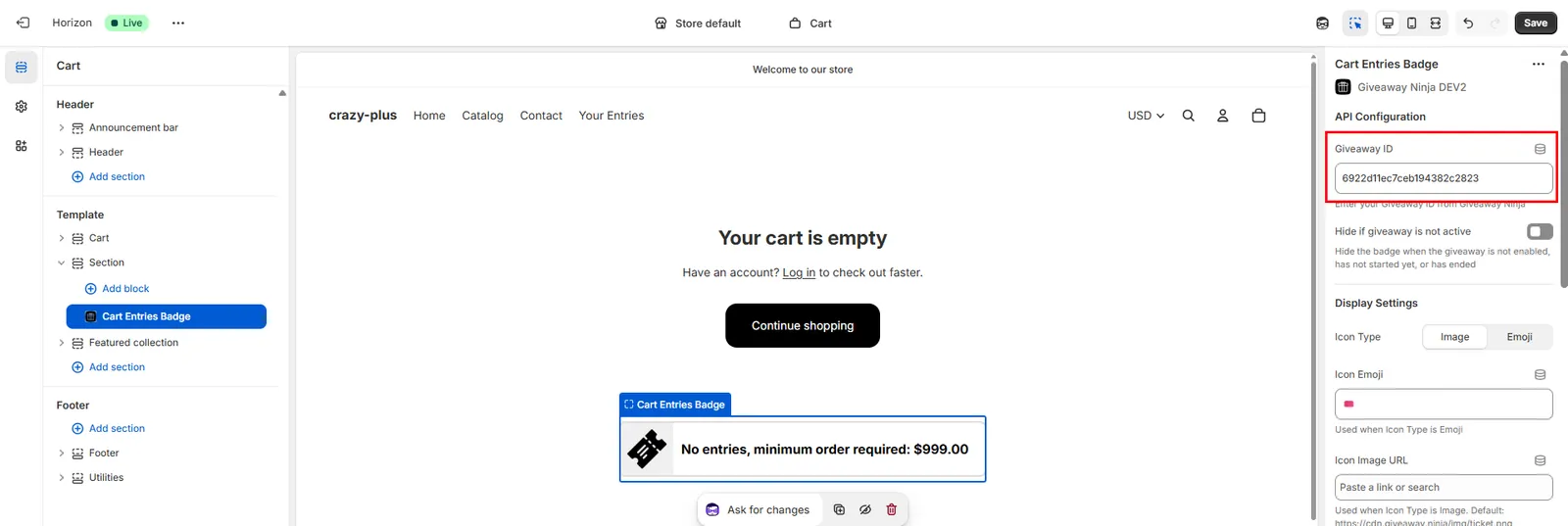
Entry Counter in Cart
Installation Steps
- Open the Theme editor
-
Locate and edit the CART PAGE
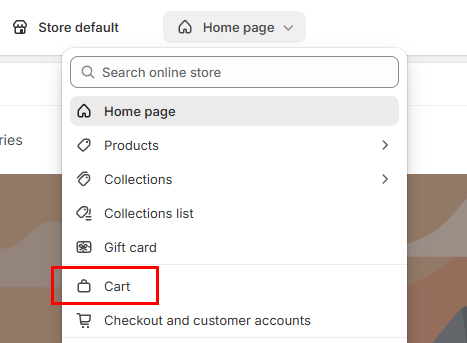
- Click on Add section on the position where you want to place the badge
- Switch to Apps and locate the Cart Entries Badge
-
Enter the Giveaway ID (you can retrieve it from the Giveaway Editor, under the Global Settings tab)